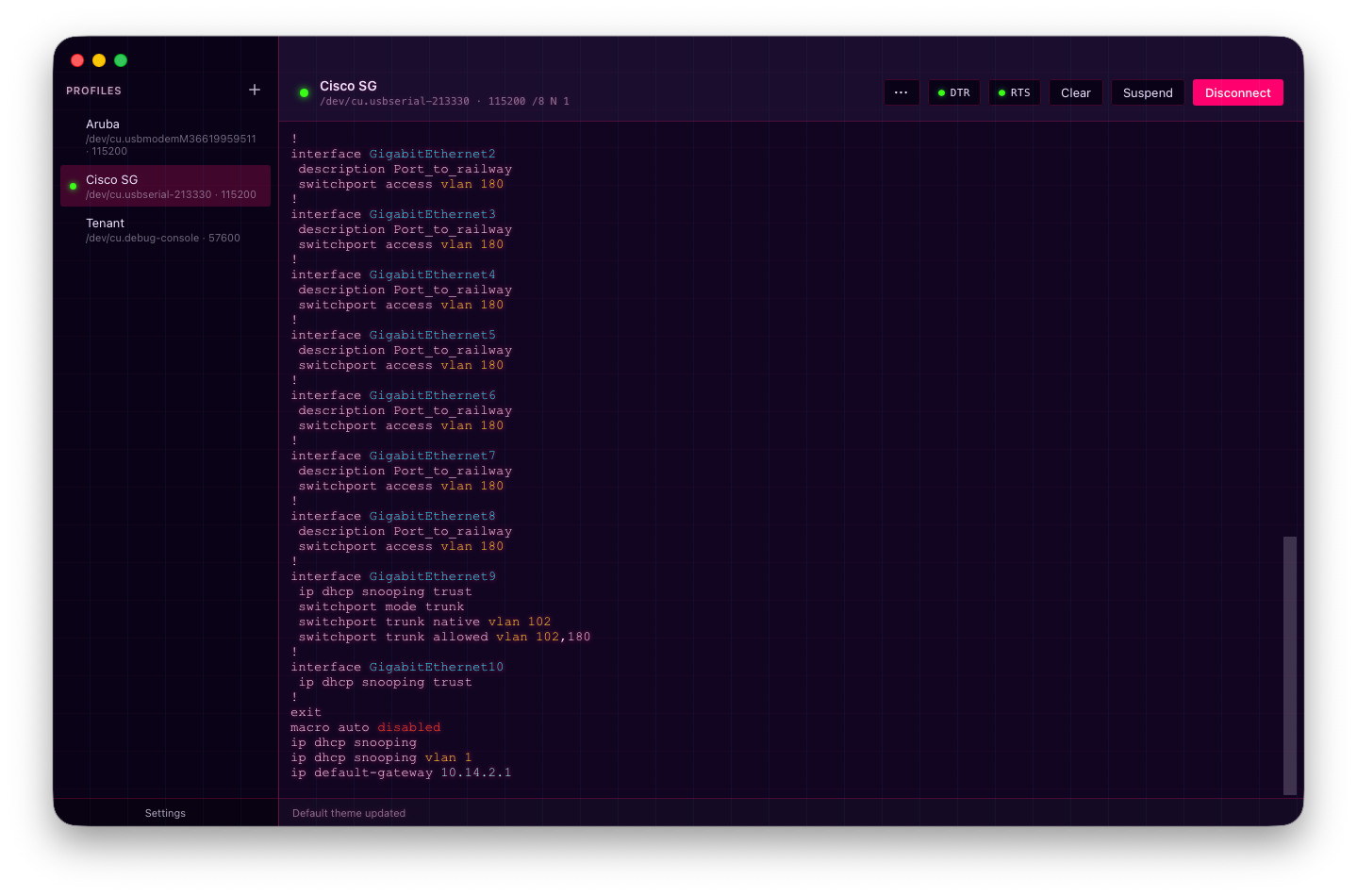
Screenshots
A walk-through of Baudrun's interface, features, and built-in skins. Captured on macOS; Windows and Linux render very similarly (window- chrome decoration aside). All image pairs below swap automatically when you toggle this site's theme in the top navigation bar.
Profiles
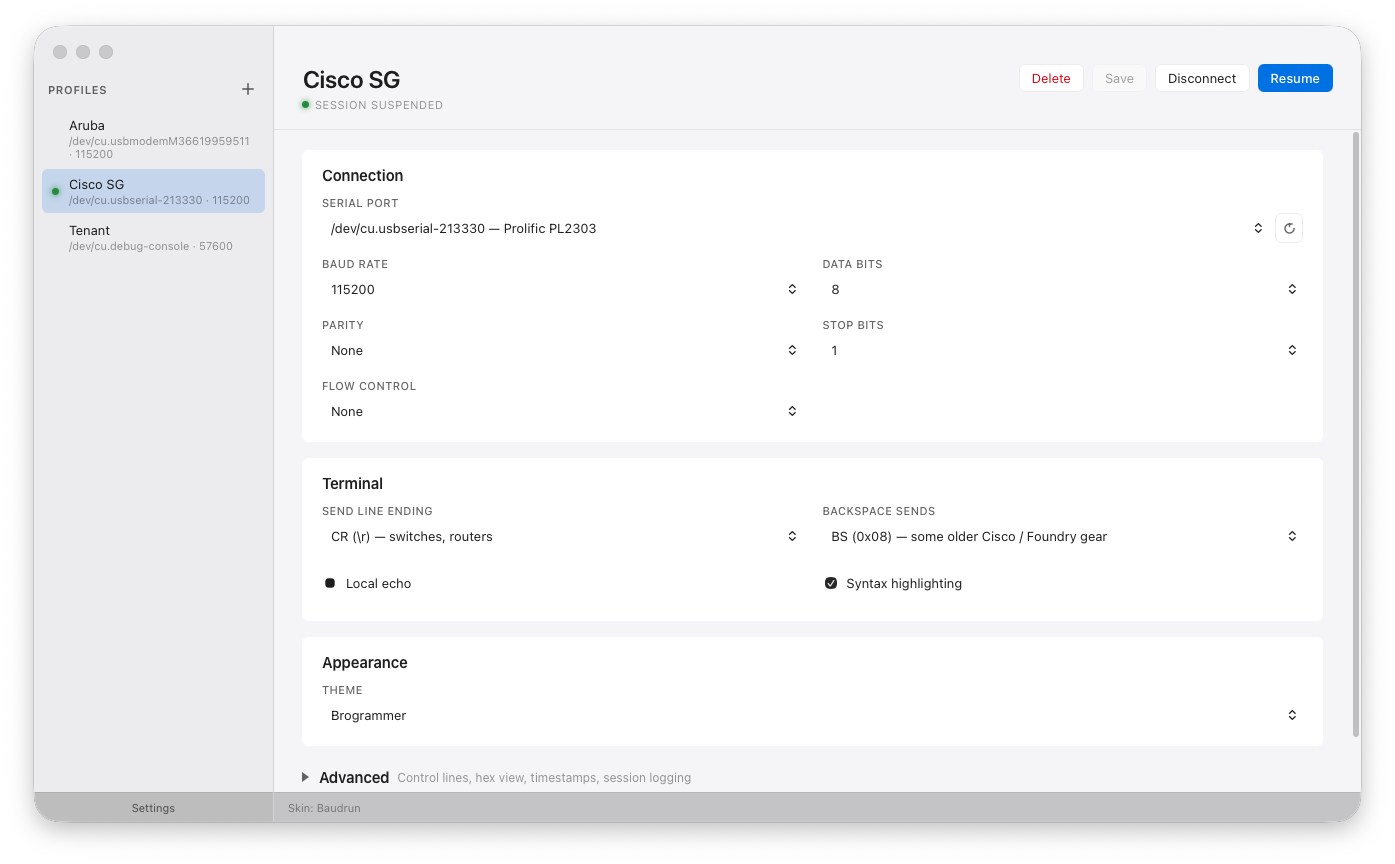
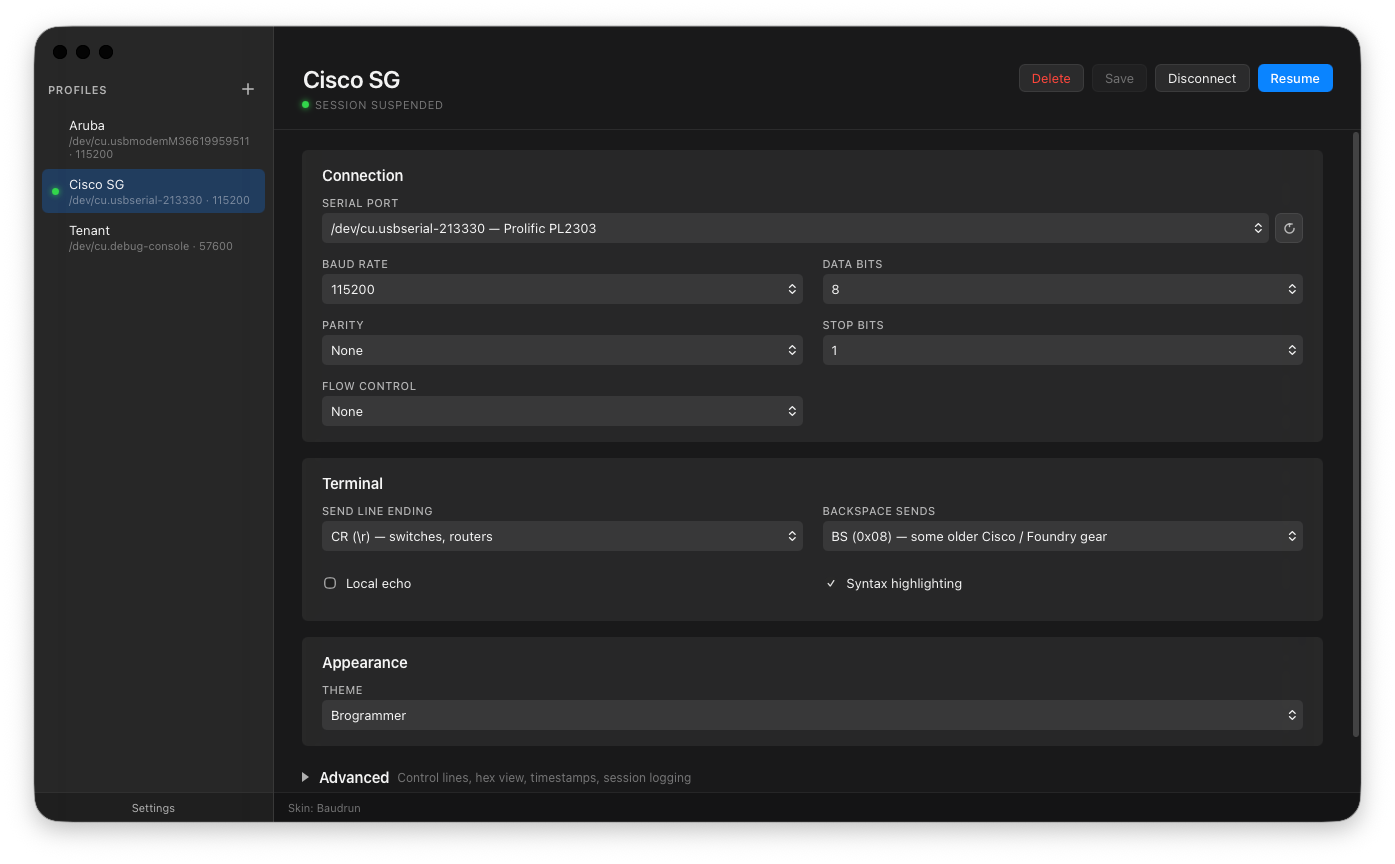
The profile list and editor — per-device connection settings (port, baud, framing, flow control, line ending, send-on-connect sequence, and more) stored as plain JSON. Clicking a profile opens the serial port and drops you straight into the terminal.
Settings
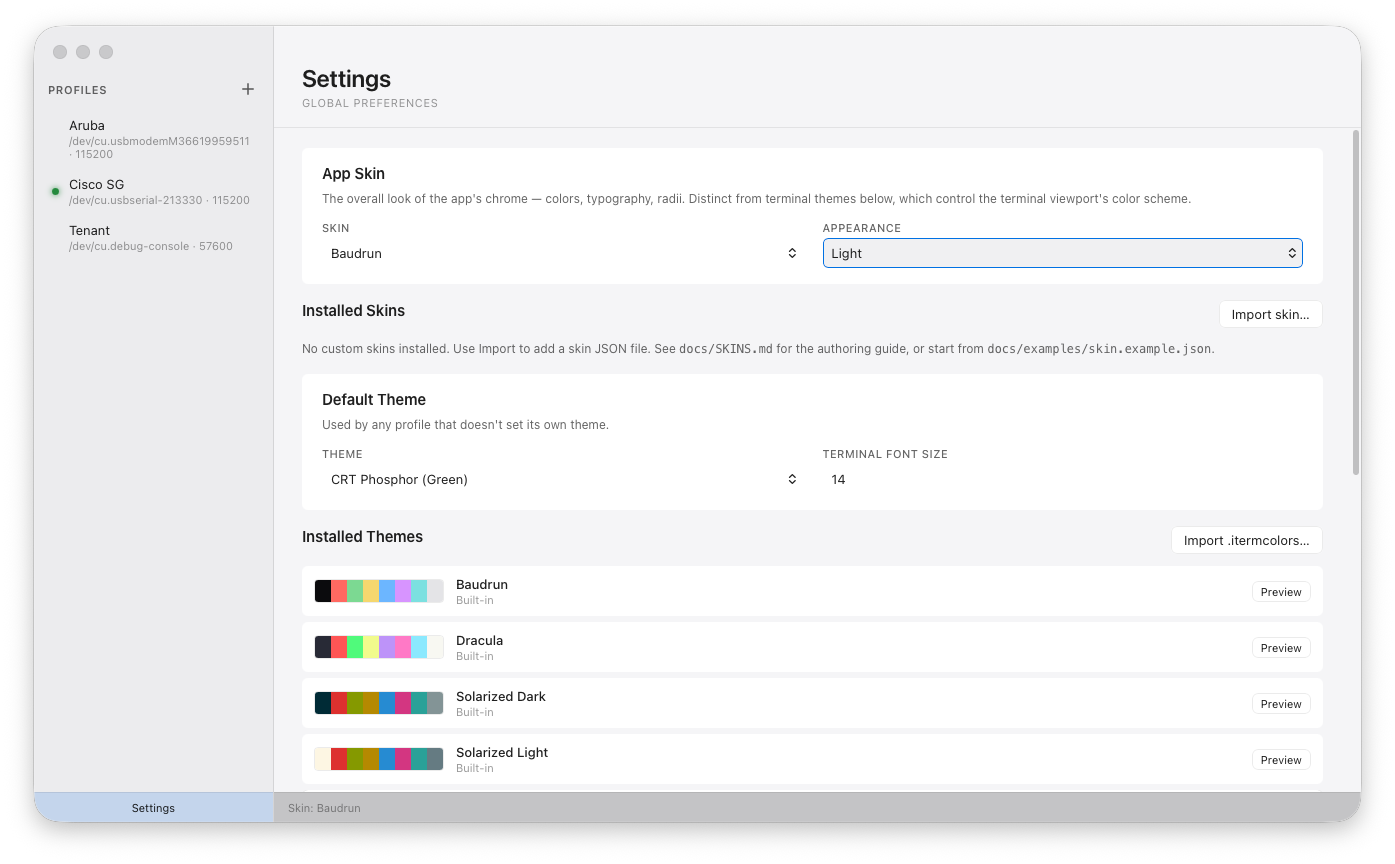
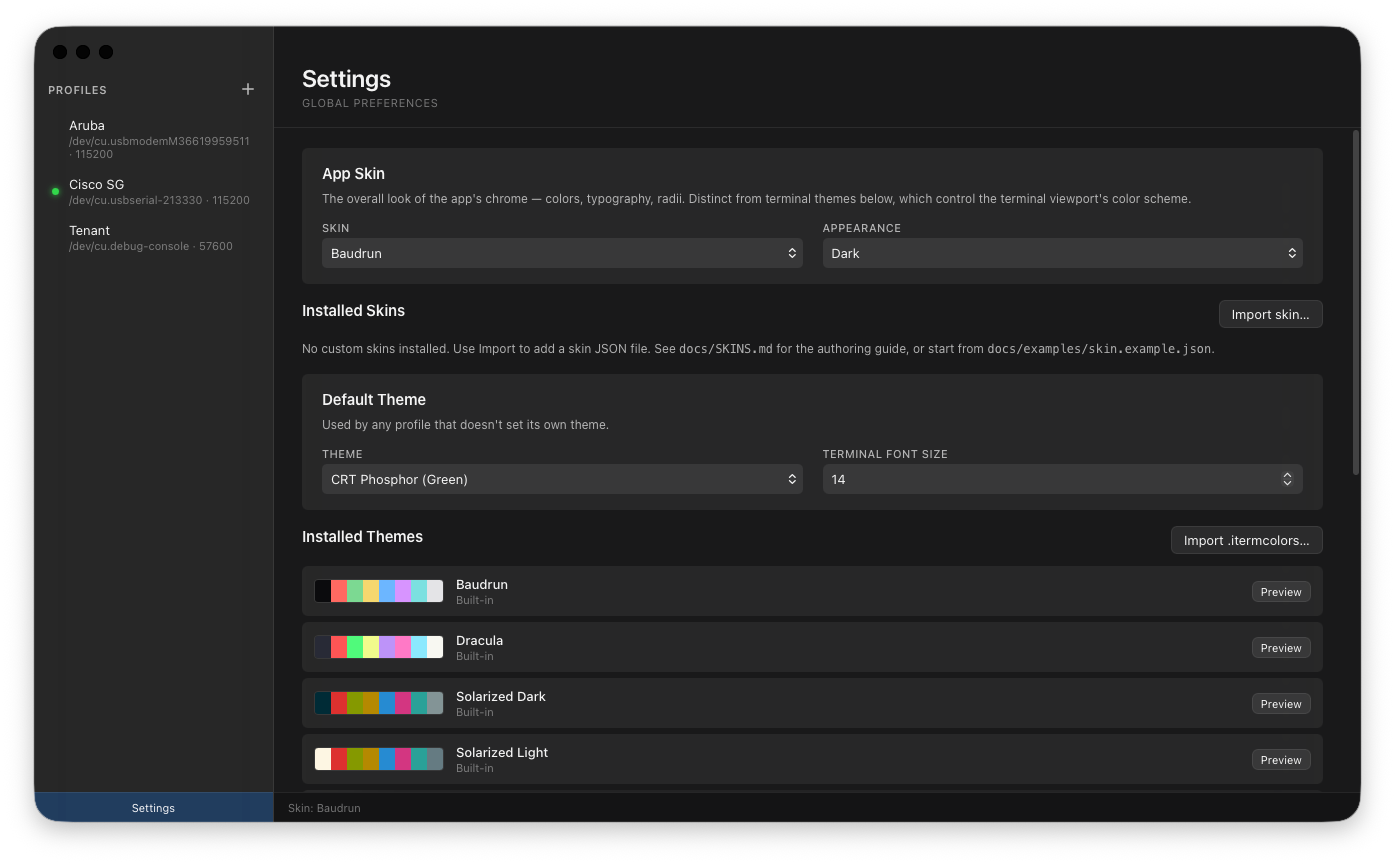
The settings pane covers default theme, skin selection, appearance mode, font size, session-log directory, config-directory relocation, and global toggles (screen-reader mode, copy-on-select, USB driver detection).
Features
Hex view
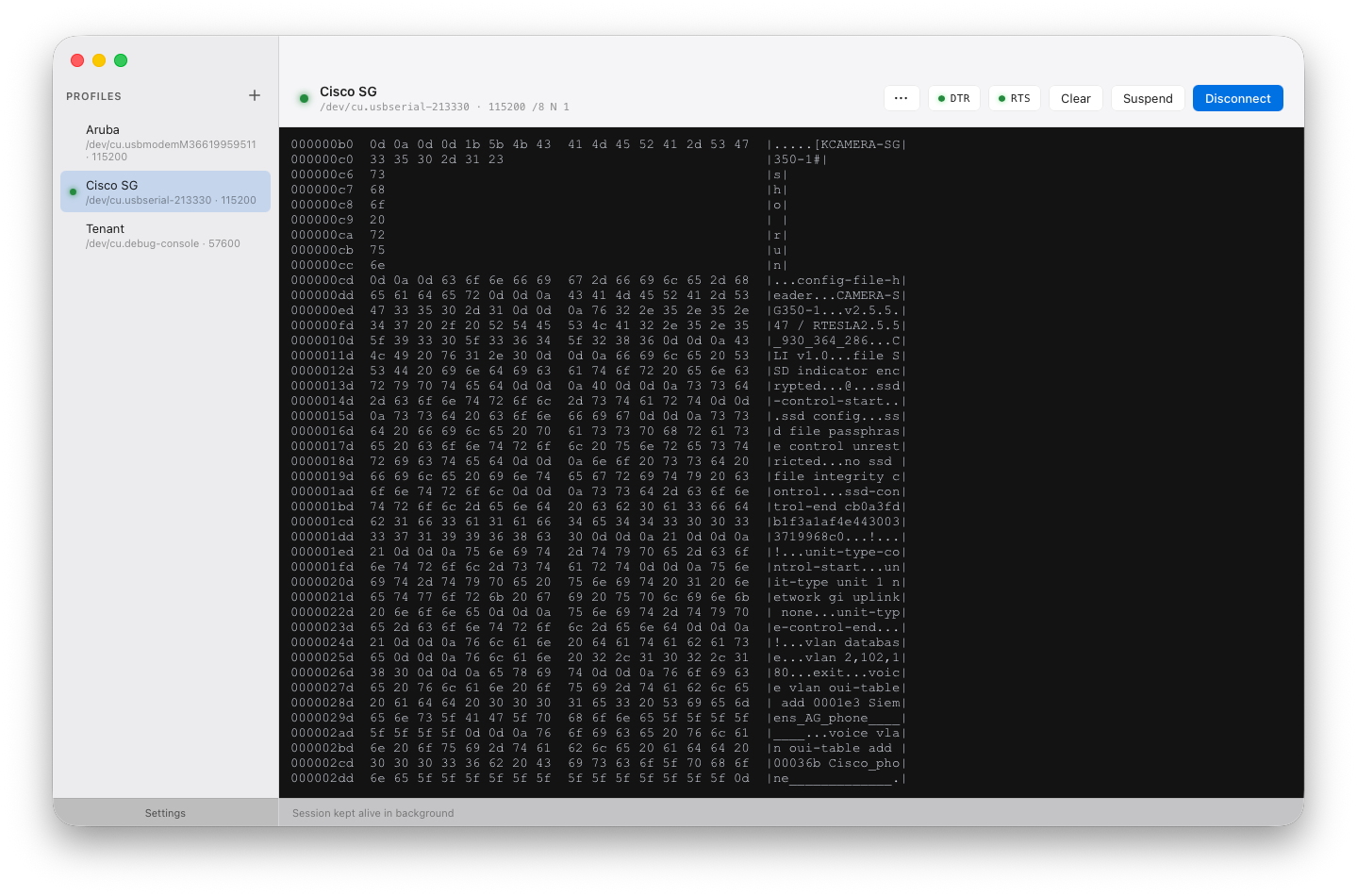
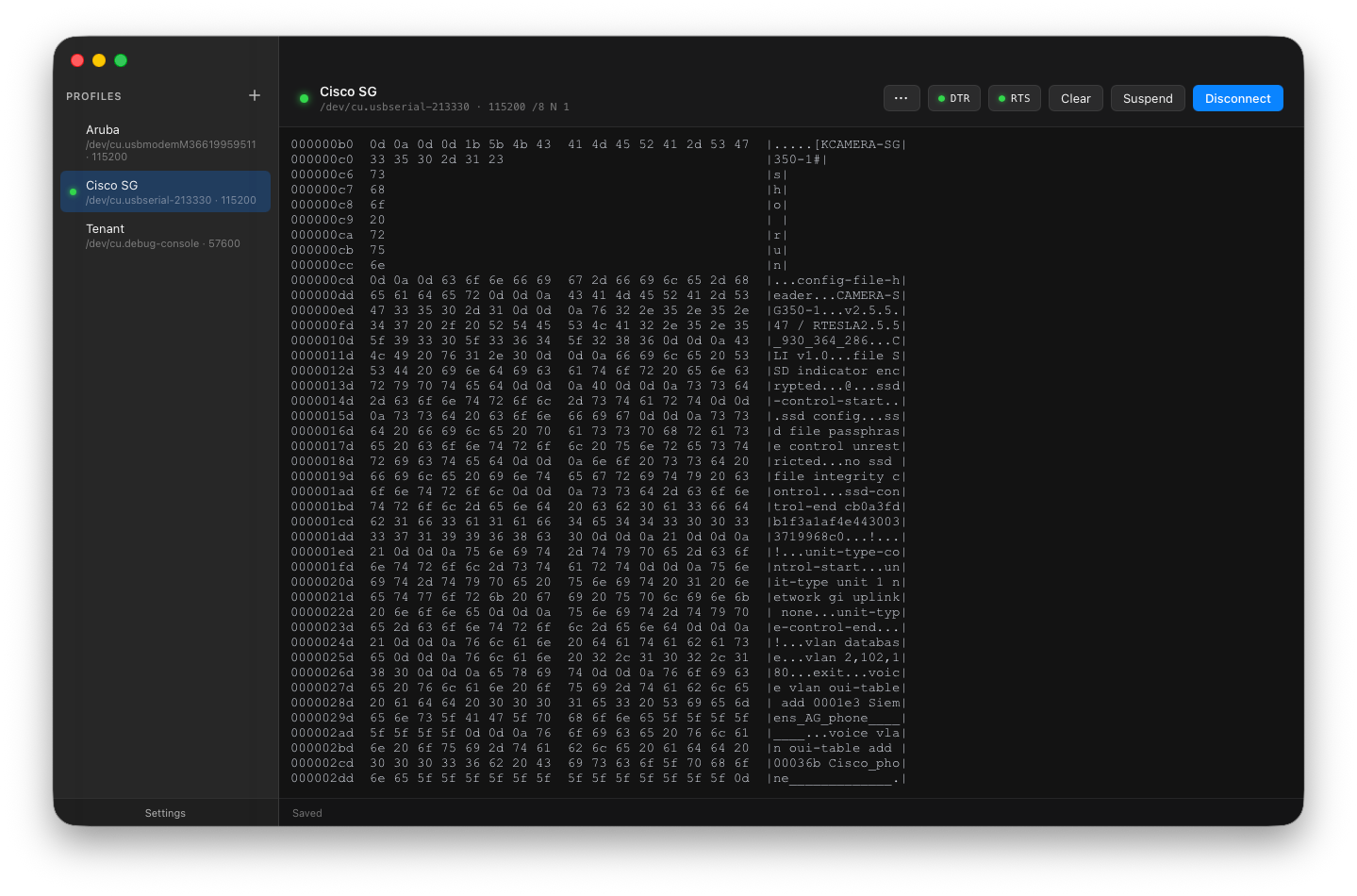
Per-profile hex view formats incoming bytes as a 16-byte-per-line hex + ASCII dump instead of a text stream. Useful for raw protocols (Modbus RTU, custom binary framing) where you need to see every byte — including non-printable control characters.
Line timestamps
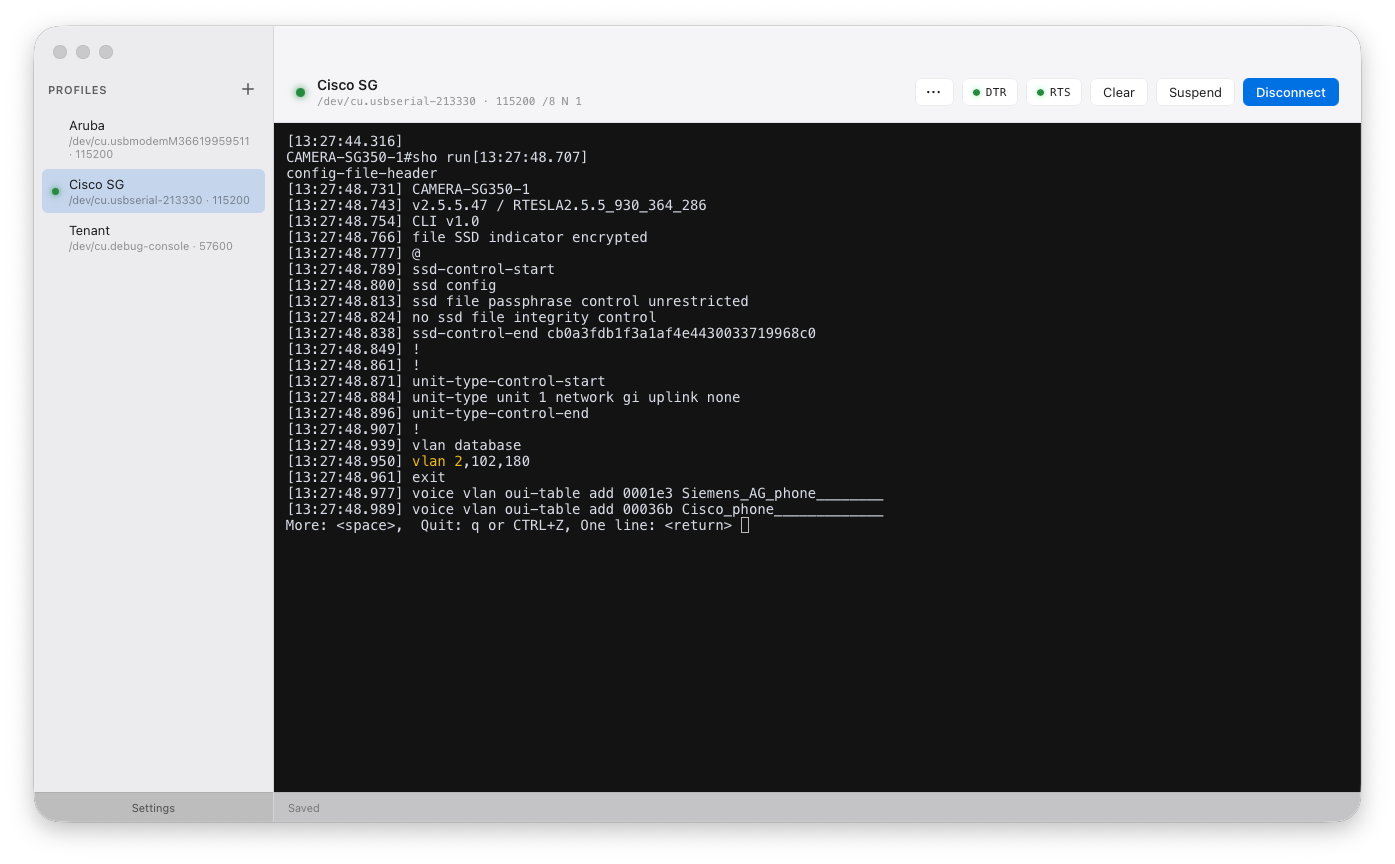
Optional per-line timestamp prefix. Handy for correlating device logs with external events, or for long-running captures where you want to know when each message arrived.
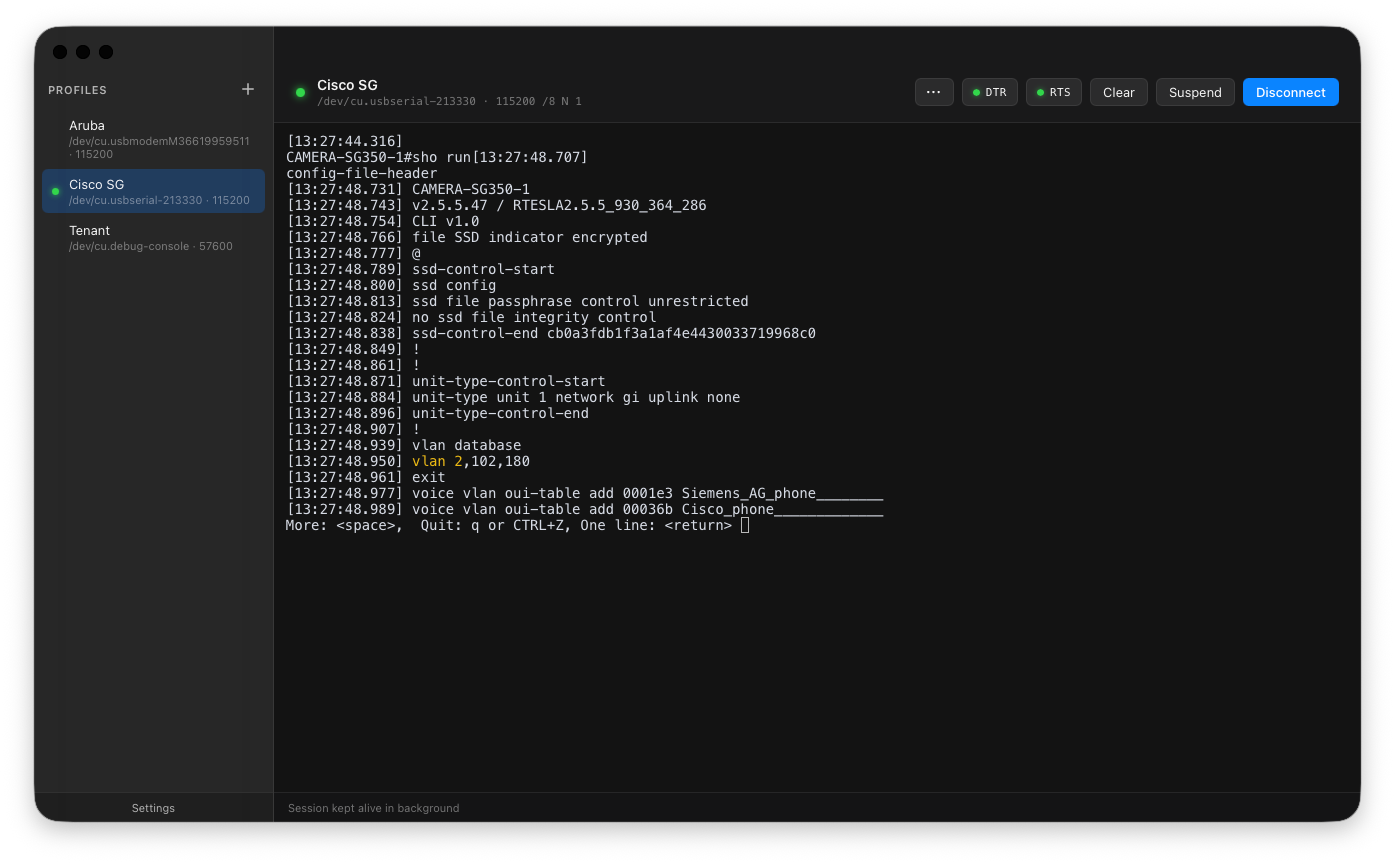
Advanced features
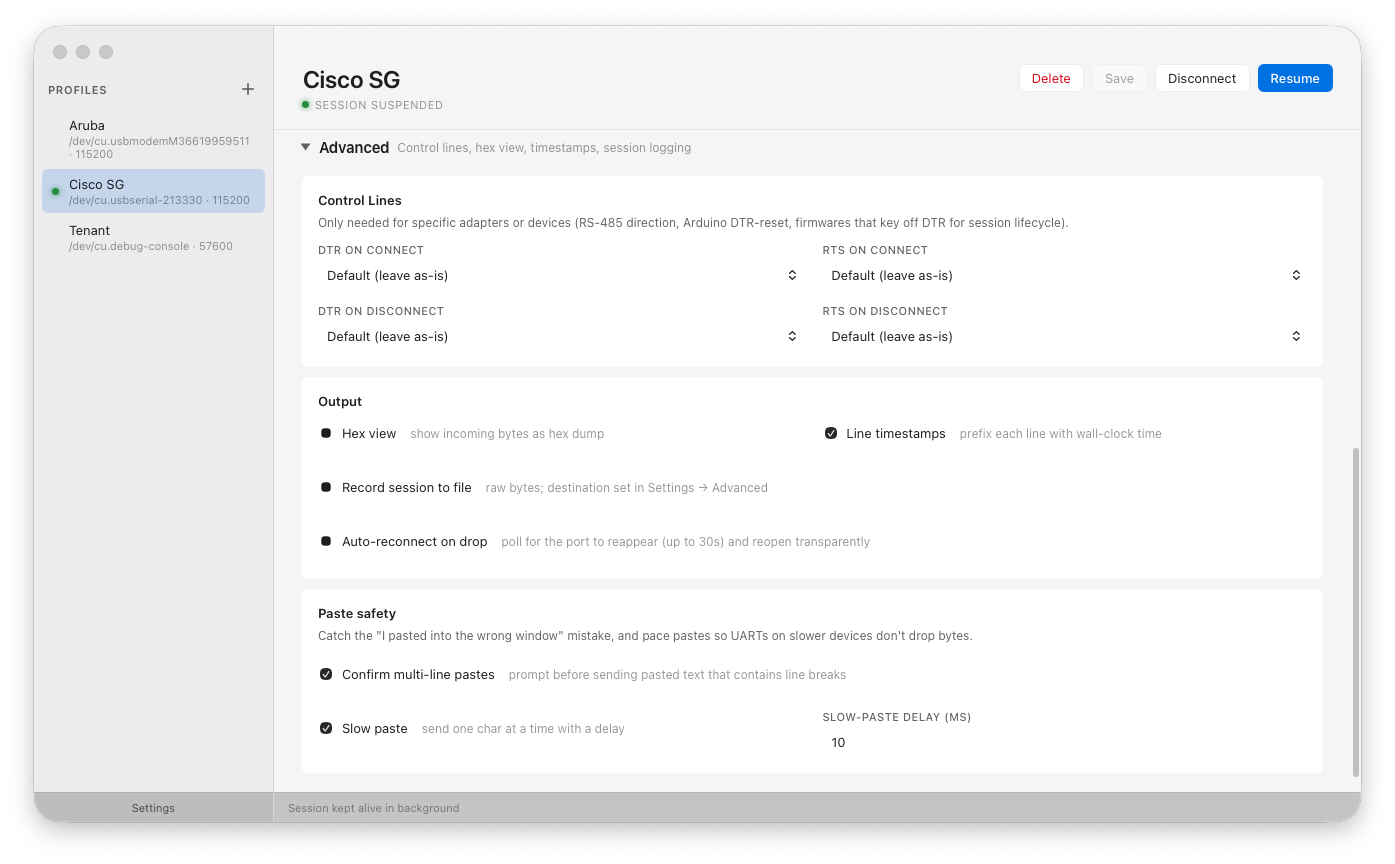
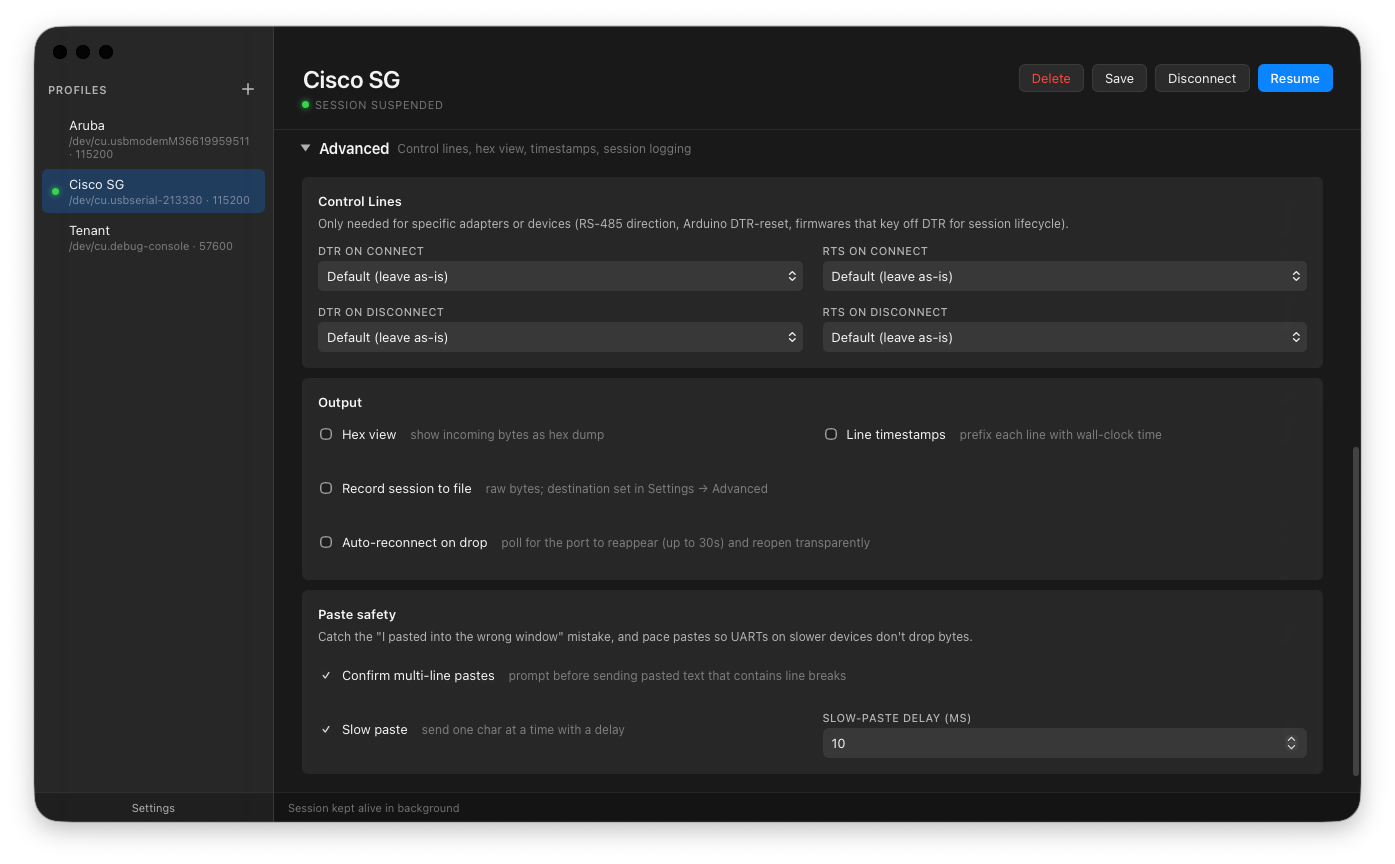
The profile editor's Advanced section collects control-line policies (DTR/RTS on connect/disconnect), auto-reconnect, paste safety (multi-line confirm + slow paste), session logging, and backspace key mapping. See Advanced features for the full reference on every flag.
Built-in skins
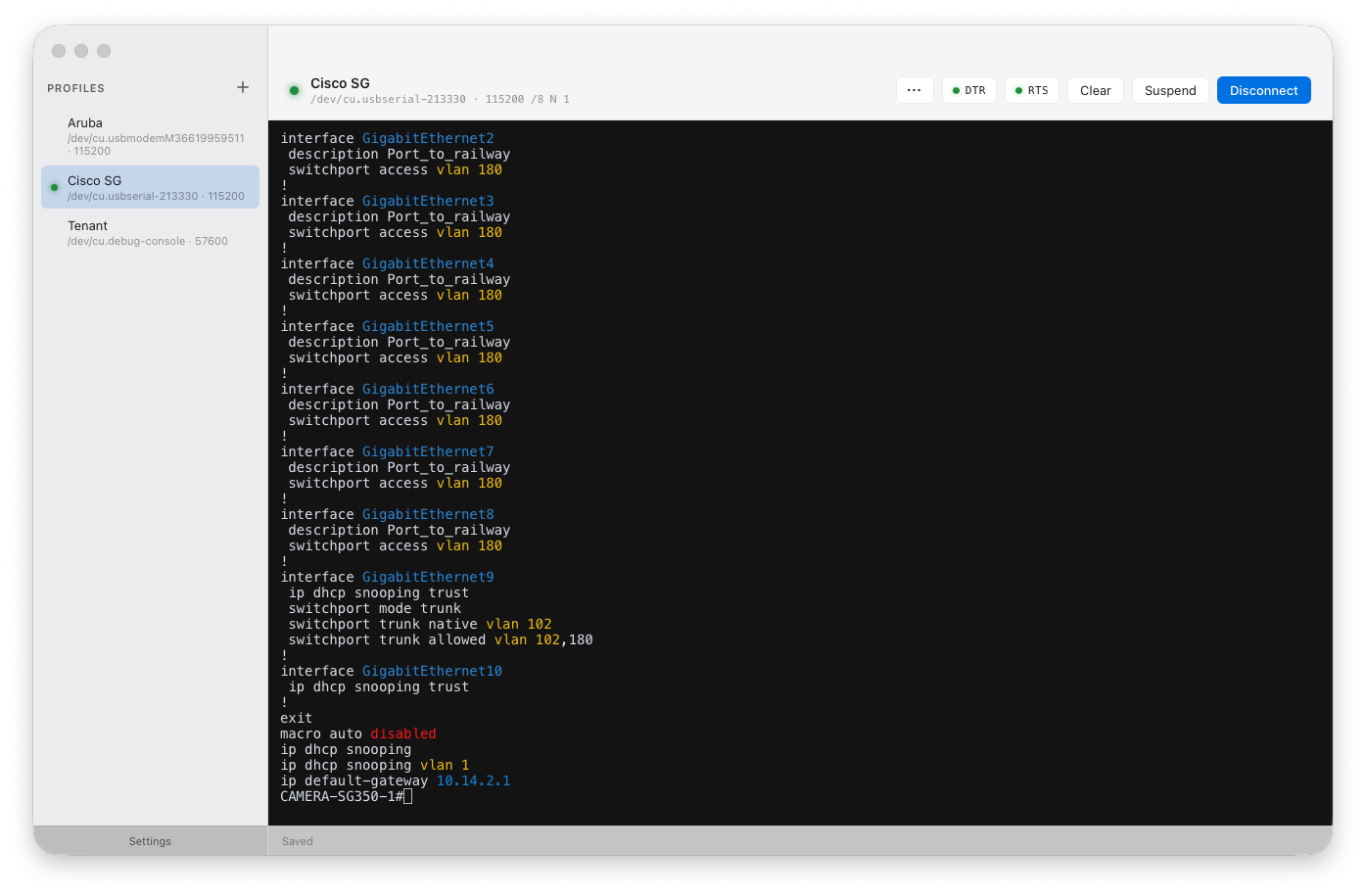
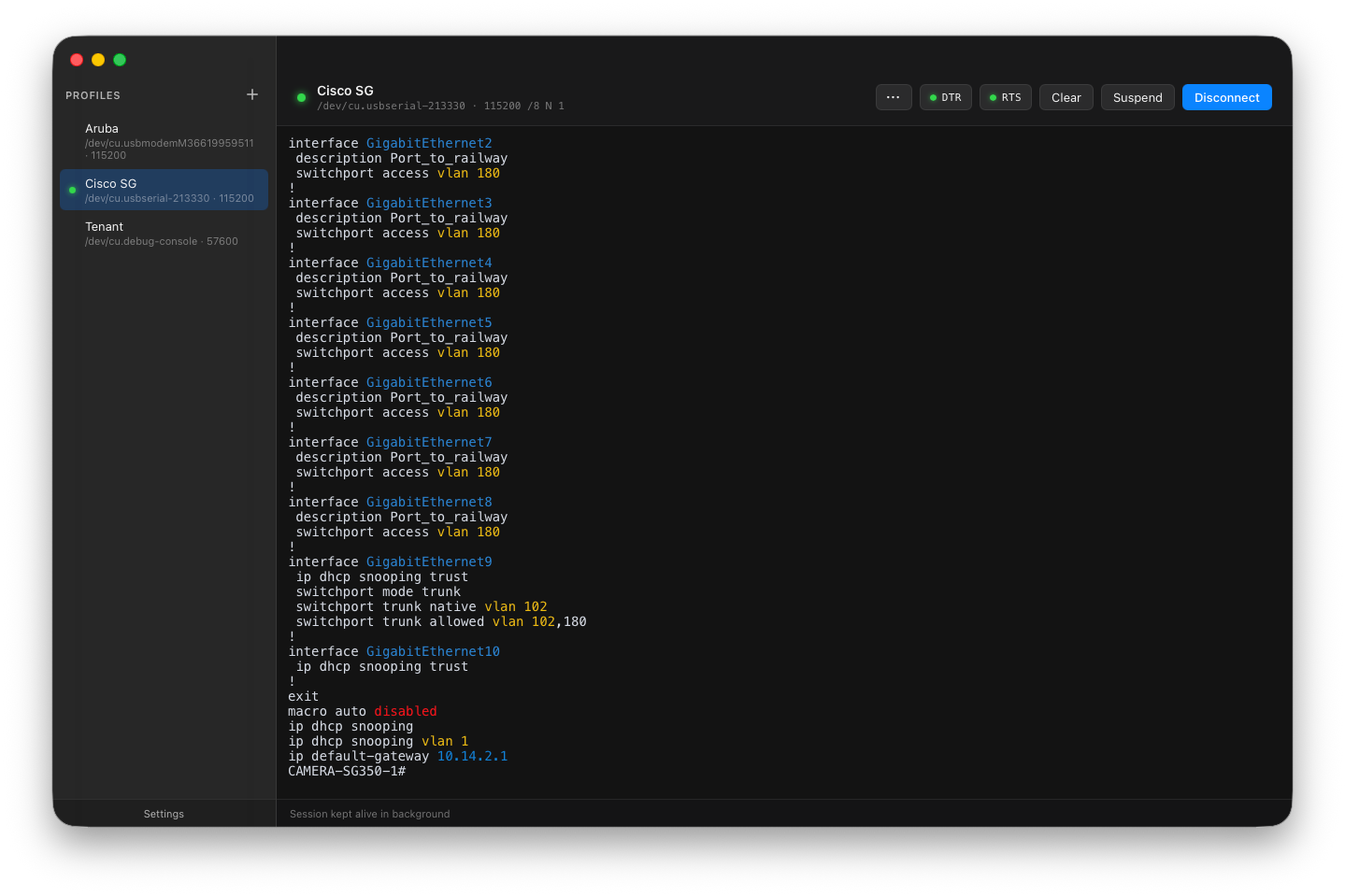
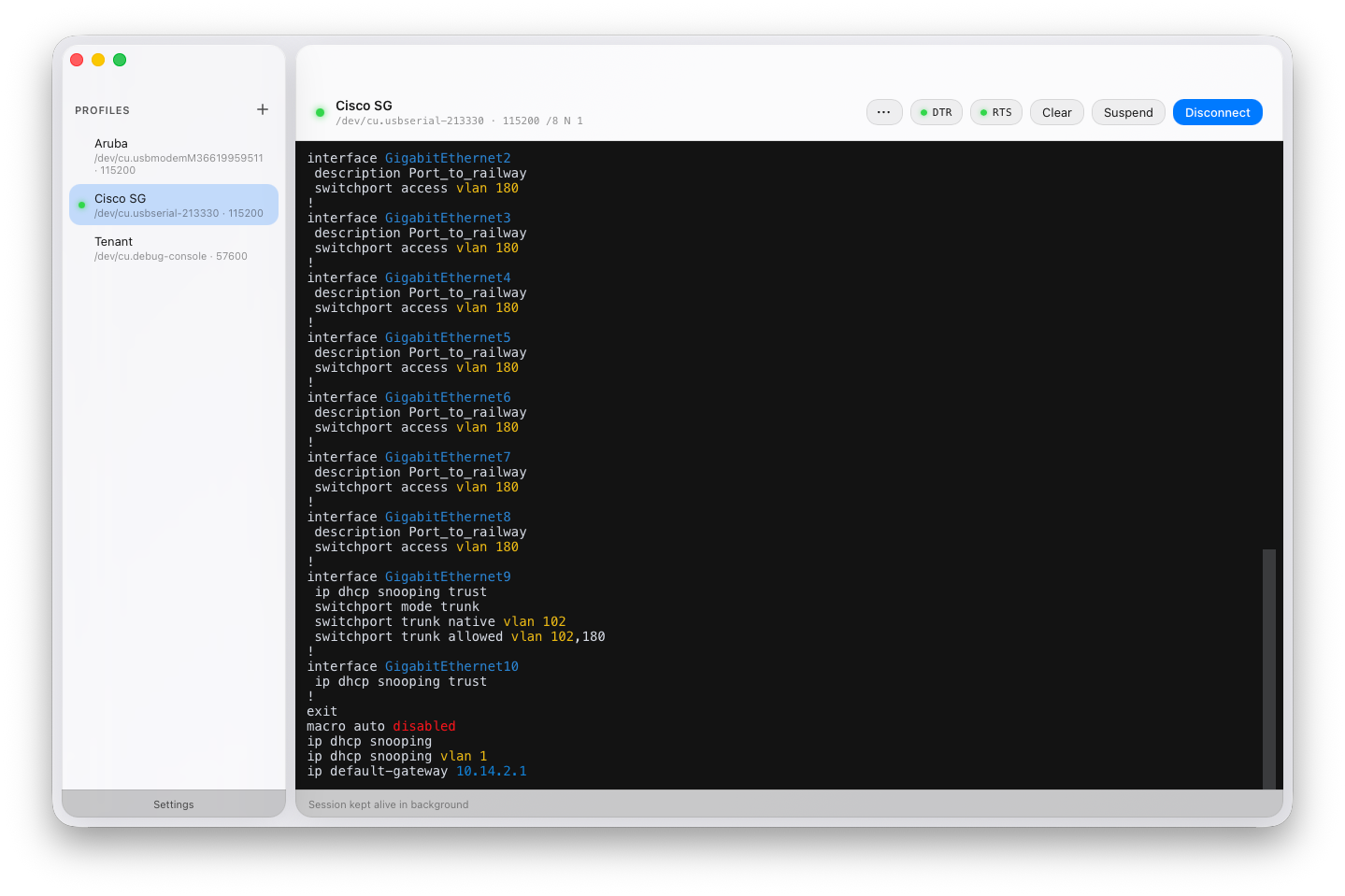
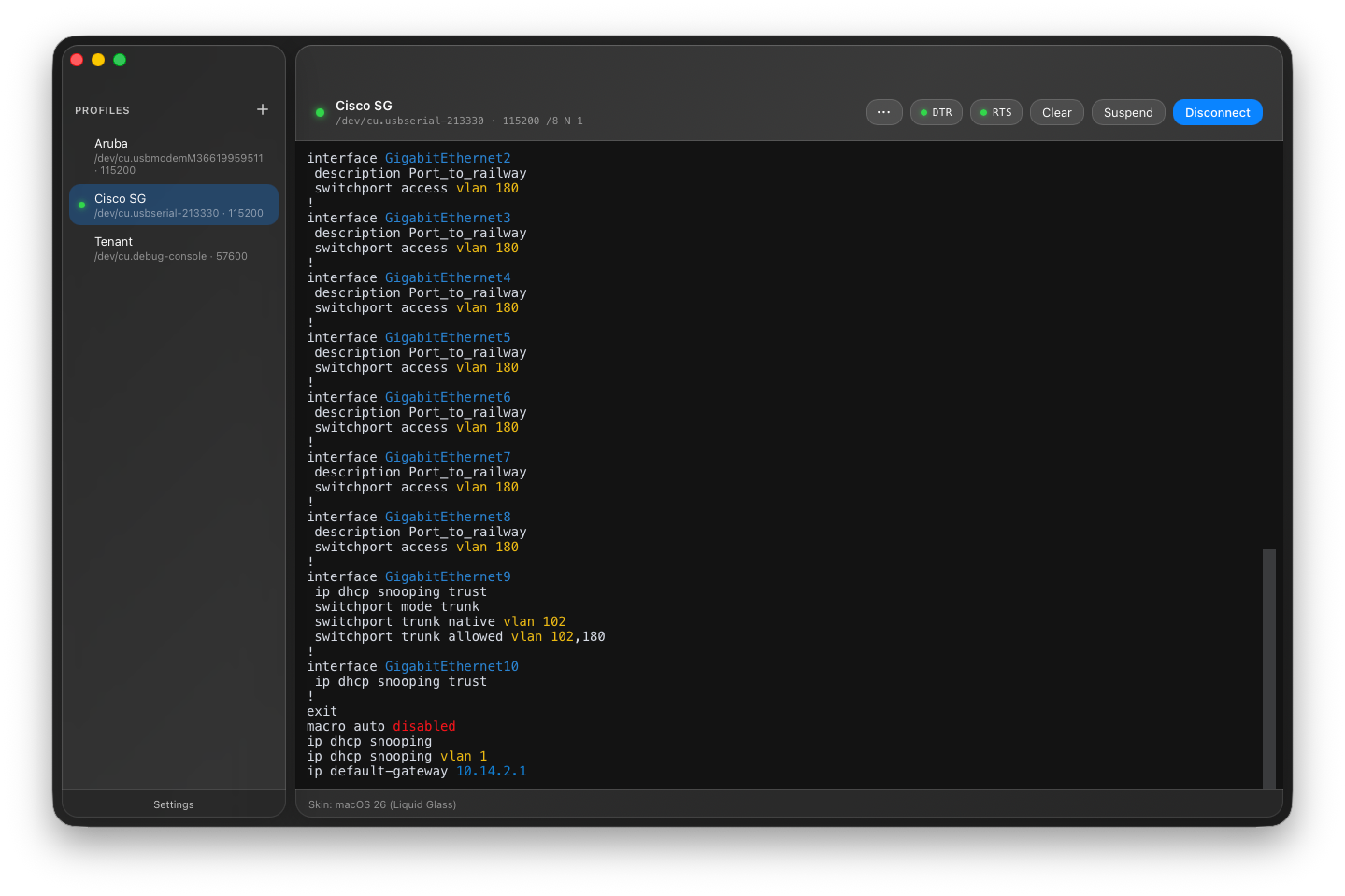
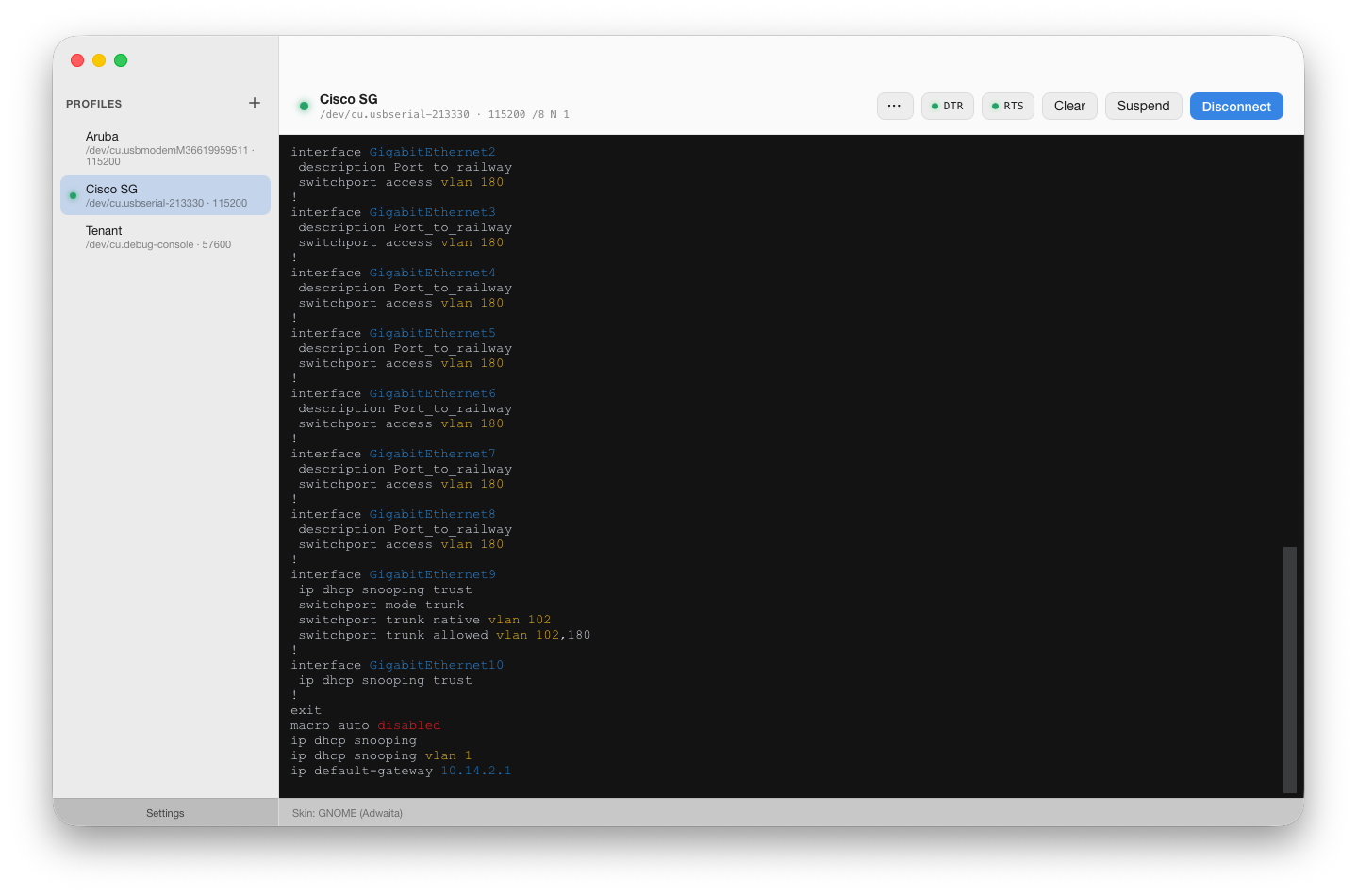
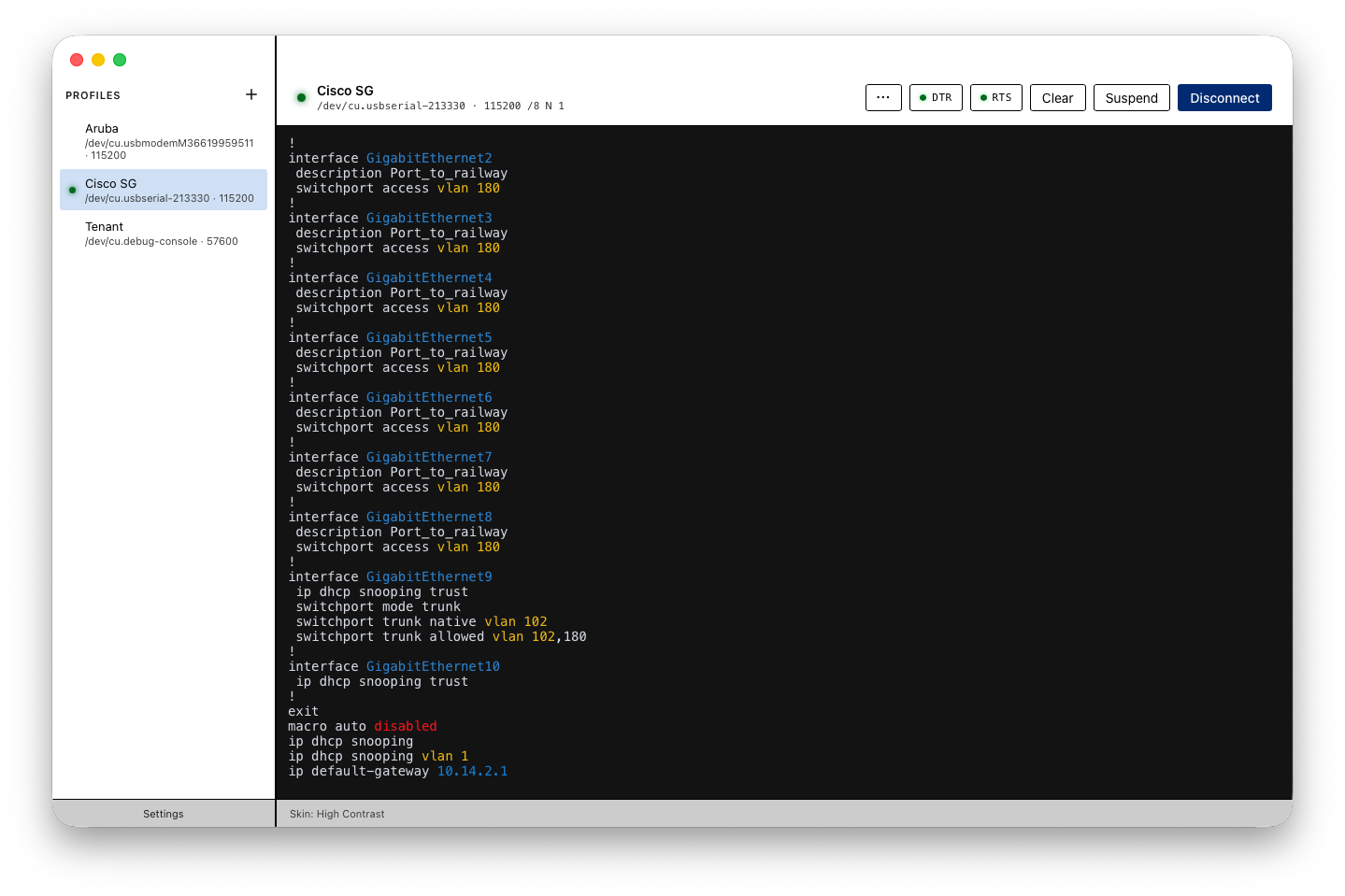
Baudrun ships with 14 skins spanning modern OSes, retro OSes, aesthetic styles, and accessibility. Skins swap the app chrome (colors, window styling, font choices) independently of the terminal theme — mix freely. See Skins for the full reference and the authoring guide for custom skins.
Baudrun (default)
macOS 26 (Liquid Glass)
Windows 11 (Fluent)
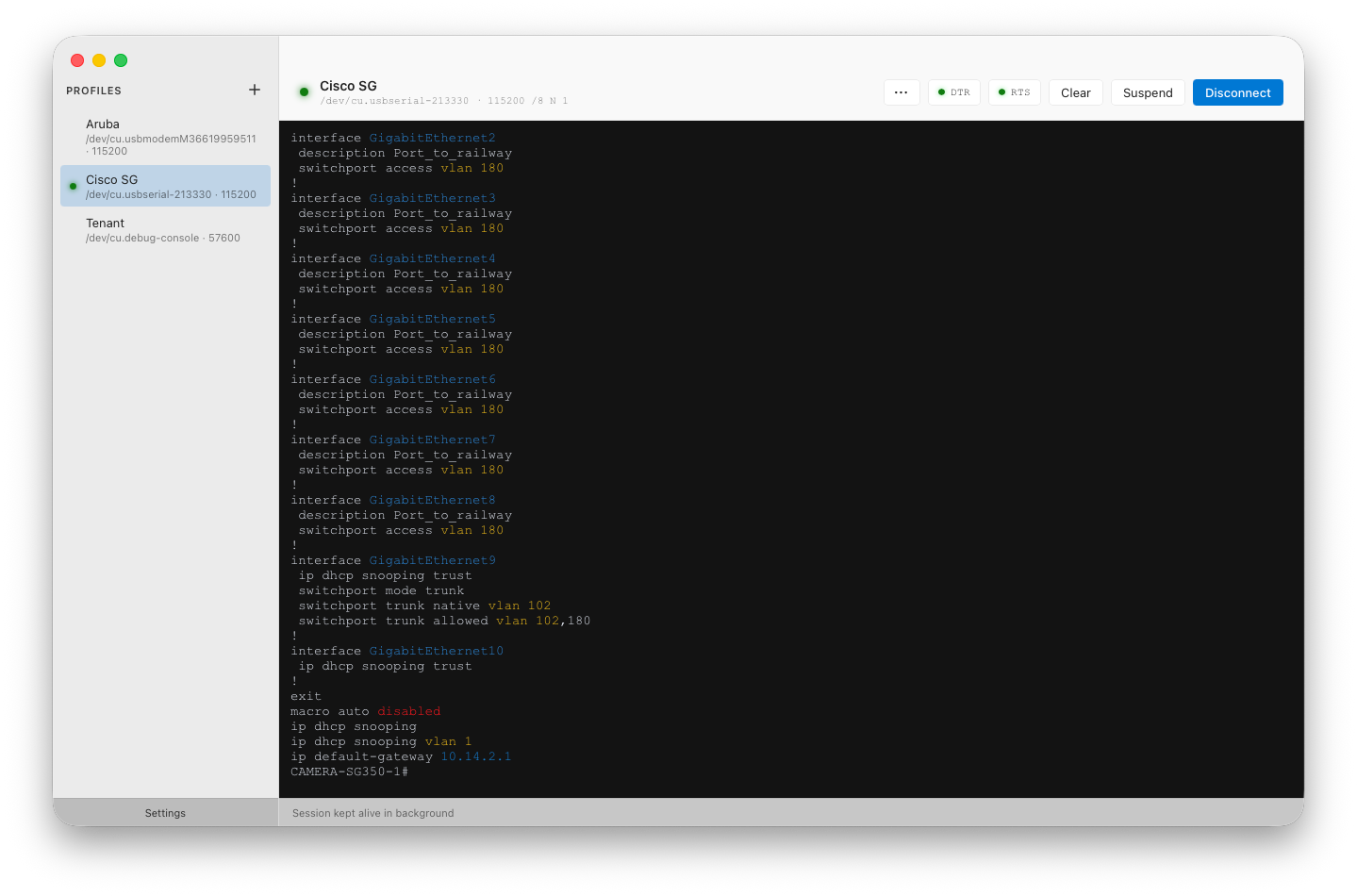
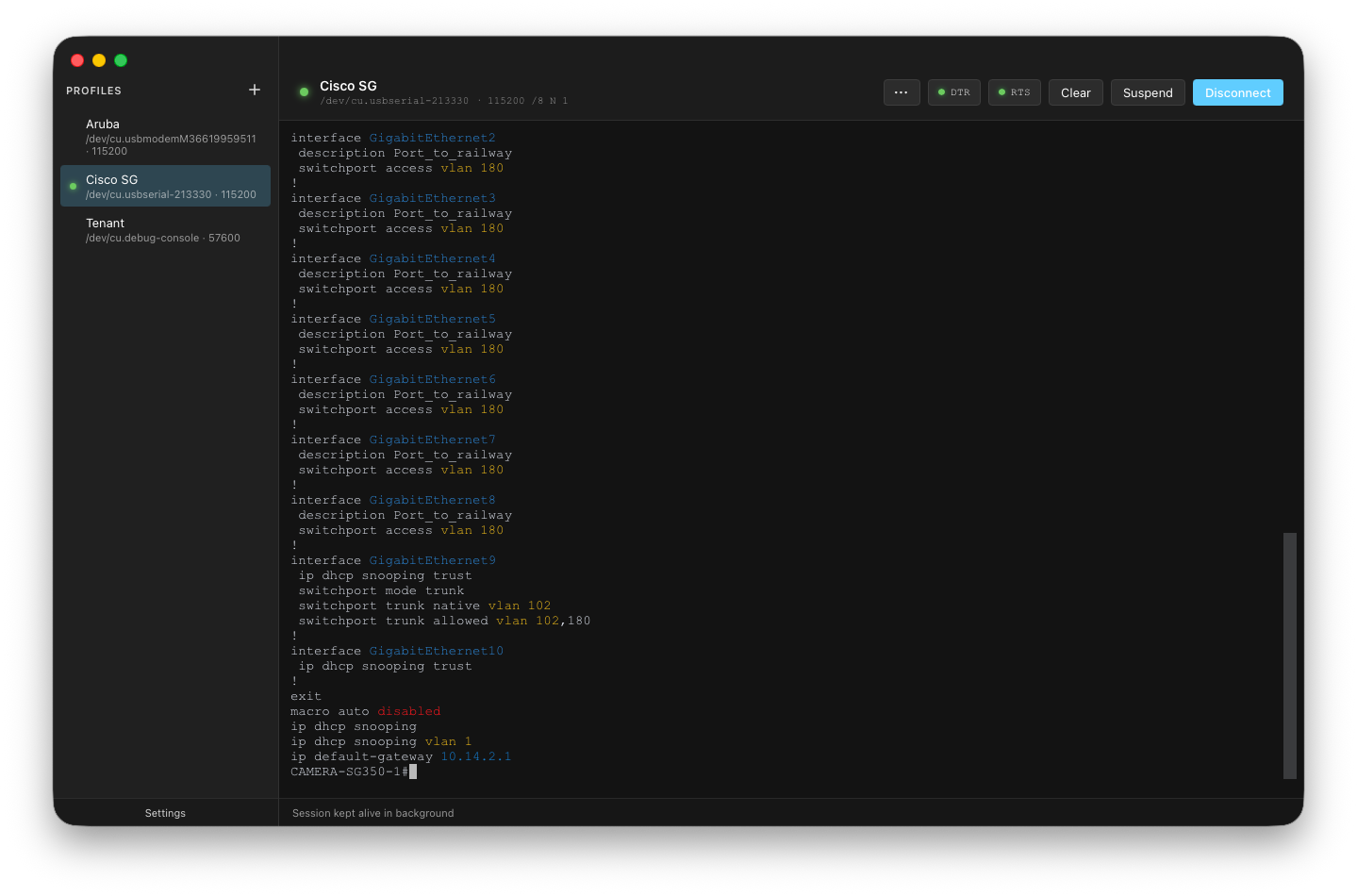
GNOME (Adwaita)
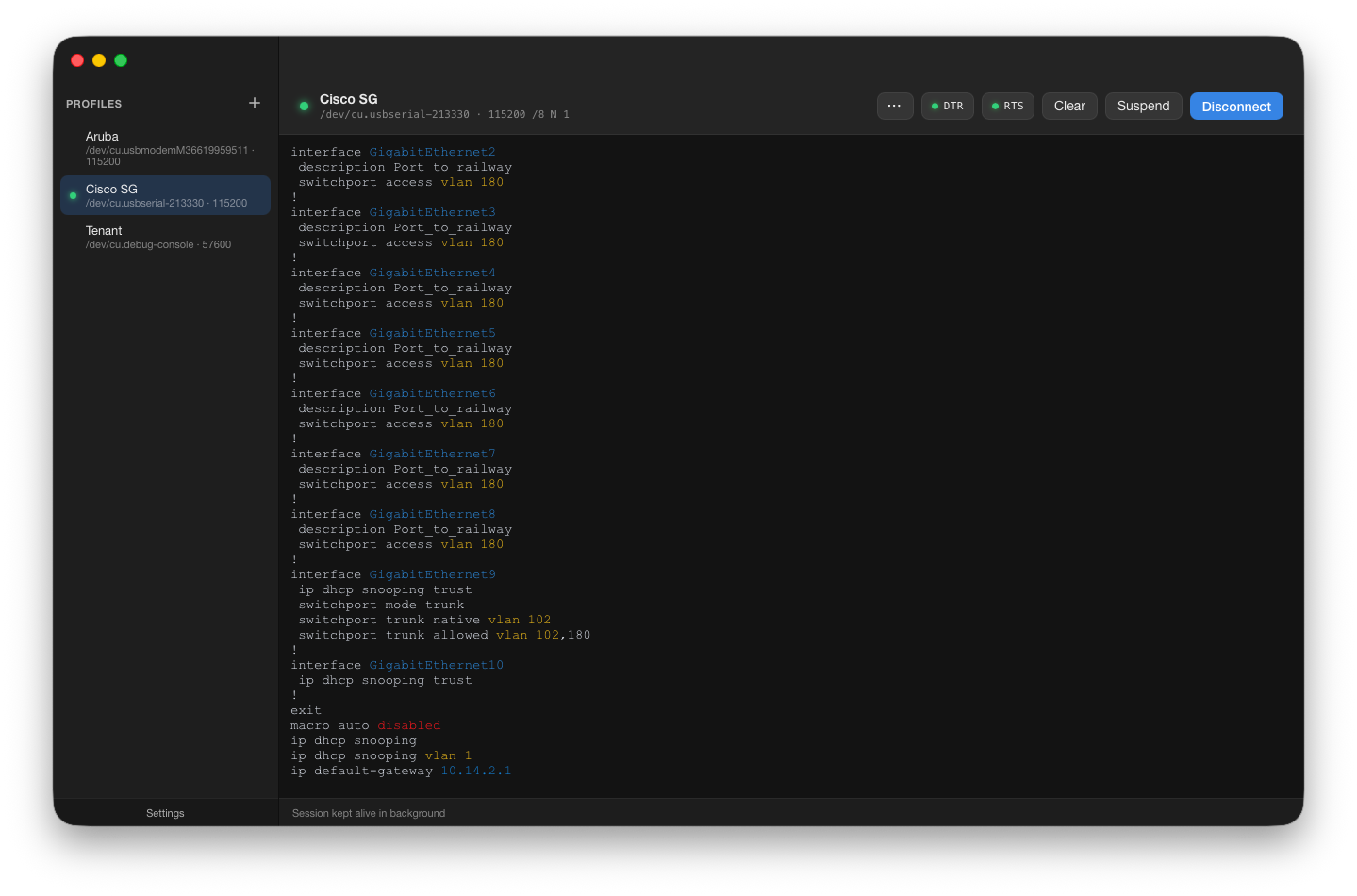
High Contrast
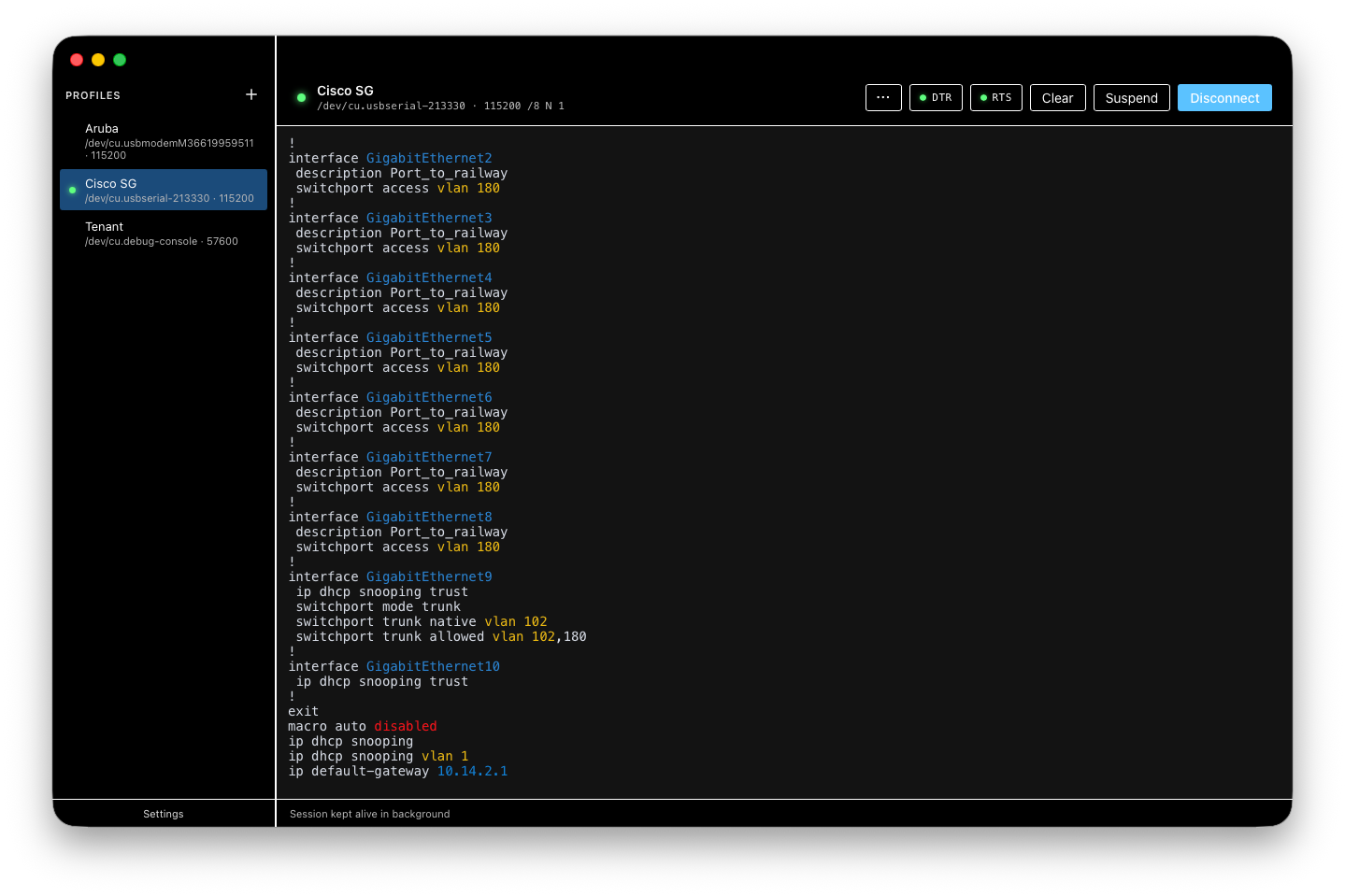
CRT (Green Phosphor)
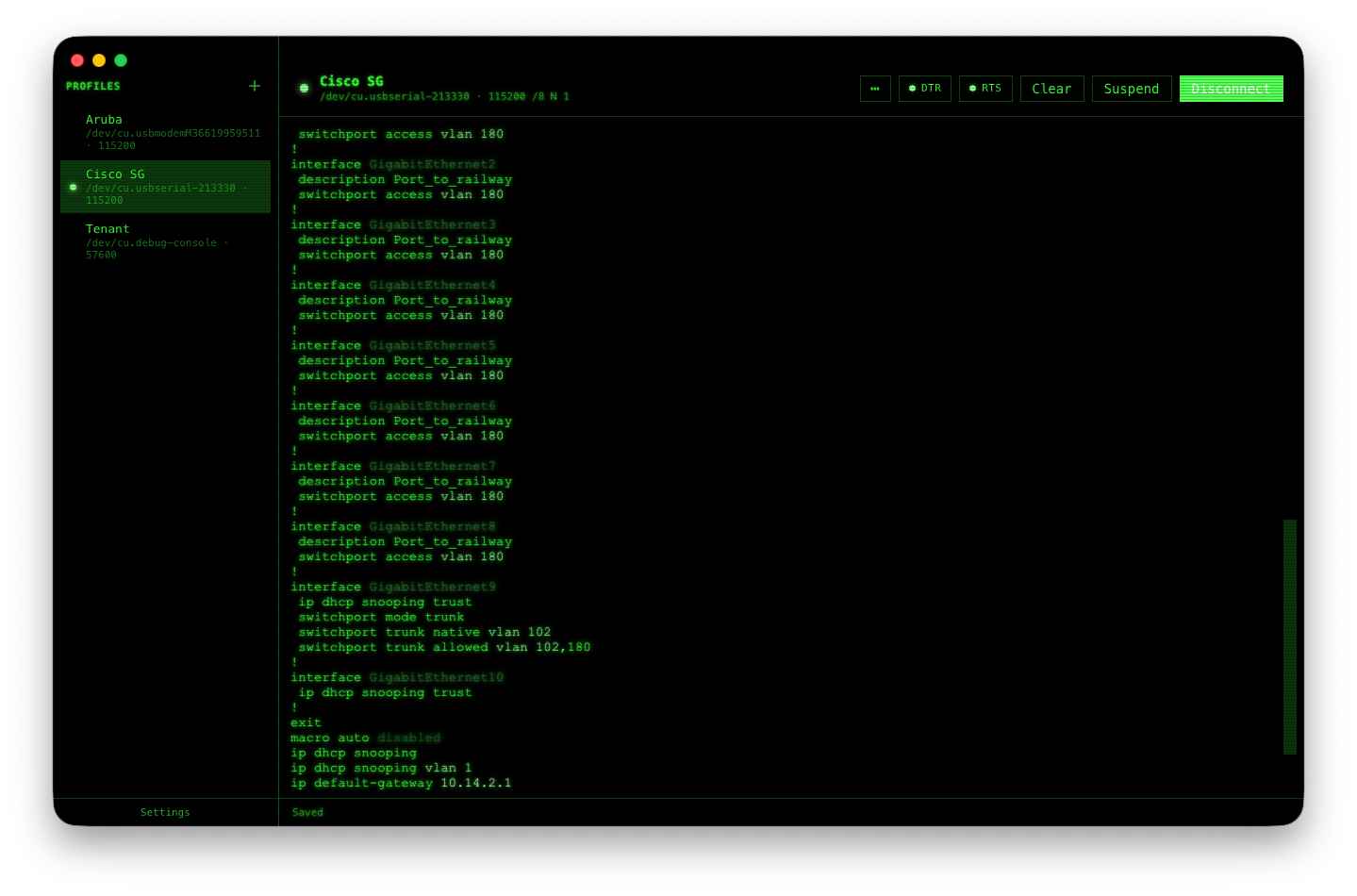
A dark-only skin evoking a classic phosphor terminal — green-on- black, DotGothic16 type, subtle scanline treatment.
Cyberpunk (Synthwave)
A dark-only skin with saturated magenta / cyan accents.